


HVAC Maintenance in Aurora
HVAC & Appliance Repair Guys provides HVAC maintenance in Aurora, OR. Filters and airflow, coil condition, drainage and control response can all matter, depending on the system. Describe whether a concern appears in heating, cooling or fan operation. Shared controls and air paths do not mean a successful response in one mode establishes the condition of every function.
The broader HVAC maintenance service covers system care. The tasks for your visit need to fit the equipment and the agreed scope. Share the last known service date and any recent repair. Keep unknown parts of the history open for review.
Heating, Cooling and Fan Operation
For heating, note whether the concern is low warmth, weak air or a change in the run pattern. For cooling, describe the room comfort and any change in airflow. A fan setting is another useful detail. Keep those observations tied to the mode you were using at the time.
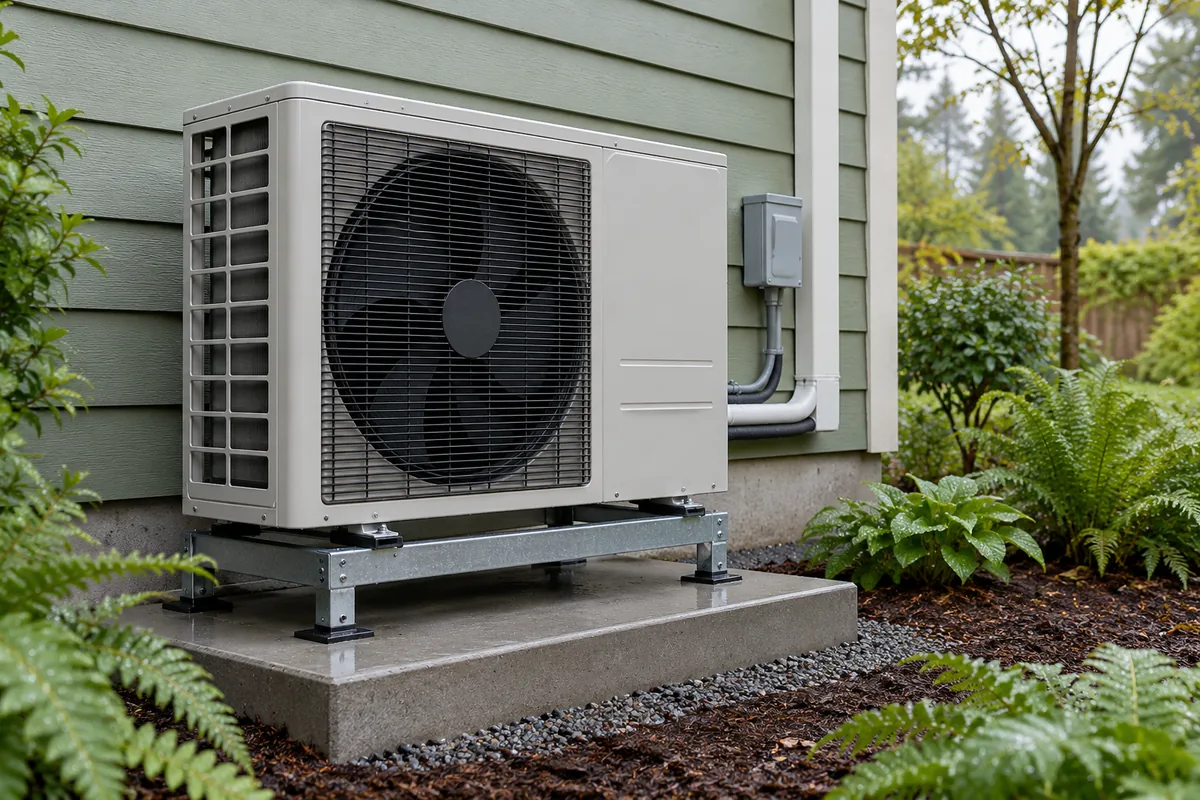
Our heat pump maintenance service covers equipment used for both heating and cooling. Identify the system and any mode that concerns you; the two functions do not necessarily represent separate complete units.
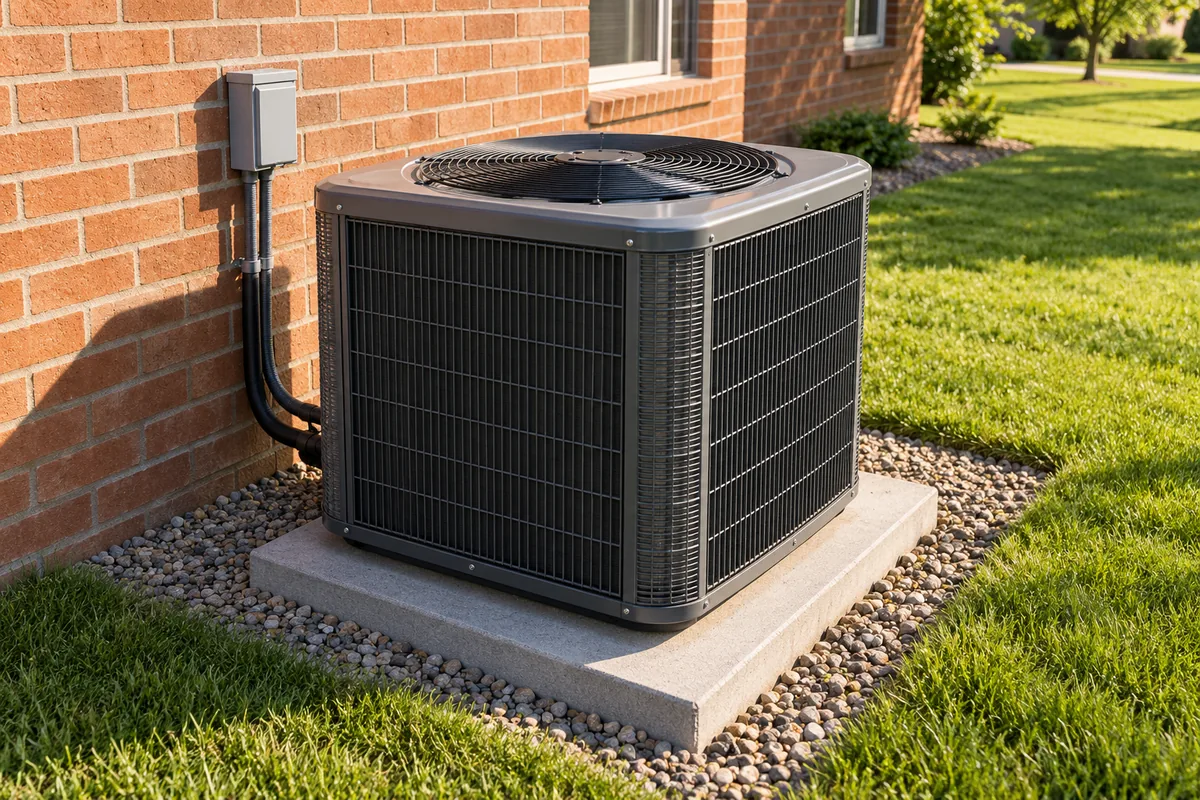
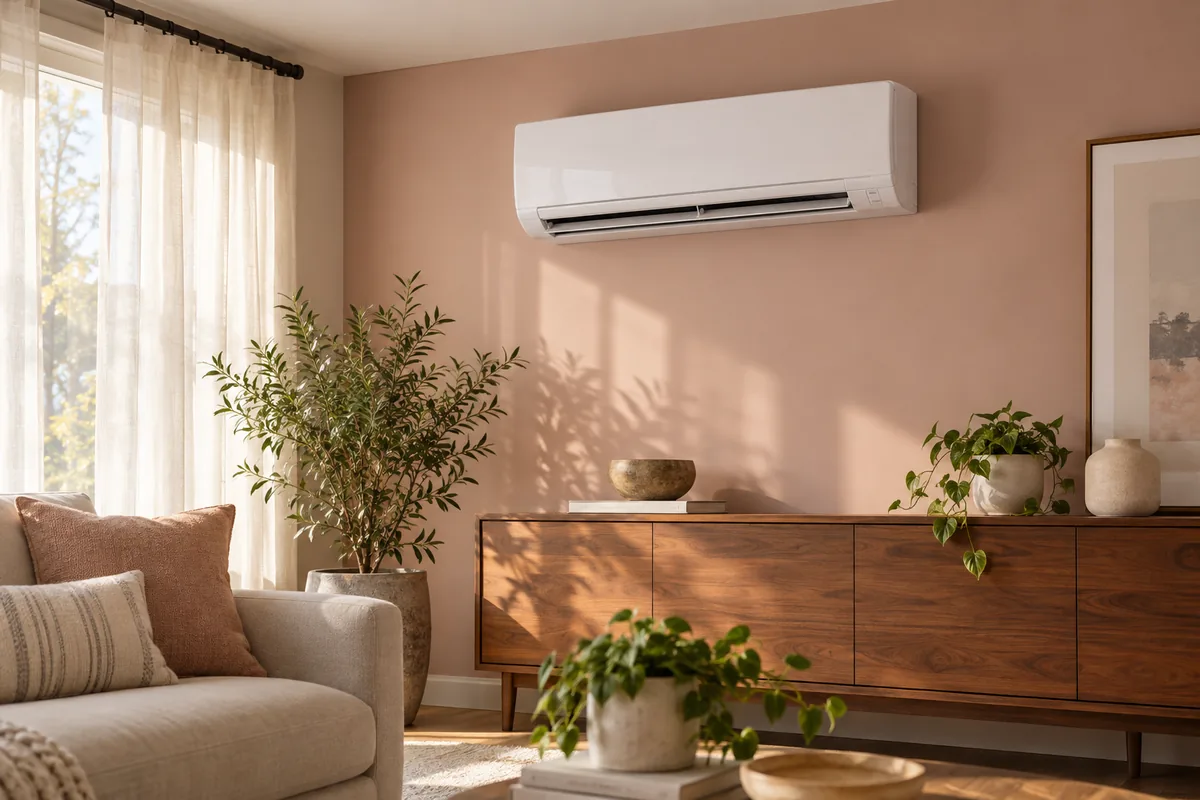
Our air conditioning maintenance service focuses on cooling equipment. Include any separate heat source when describing the full setup. This helps define which parts the planned visit will cover. A record of cooling service alone does not show what work the heating equipment has received.
There is no need to force the system through tests to prepare. Share changes from ordinary use and any display message you already saw. Report a stopped or unsafe system when arranging help. Do not restart it for a demonstration.
Maintenance Findings and Separate Repair Work
A maintenance visit and fault diagnosis answer different questions. Routine care does not promise a cure for every operating problem. Our HVAC repair service in Aurora addresses system faults. Explain whether the problem is constant, comes and goes or appears only in one mode.
Confirm maintenance tasks and price before work proceeds. Review a separate repair proposal on its findings, scope and cost; a maintenance finding does not automatically authorize parts or replacement.
Access is also part of planning the visit. Describe where the equipment sits and any limits on the route to it. Let us know which controls serve the spaces involved. You can provide that information without opening equipment or tracing hidden connections.
Completed Care and Follow-Up
Keep the date, equipment covered, completed tasks and follow-up recommendations together.
If a symptom remains, describe the mode, affected room and what improved or stayed the same. Ask what diagnosis or further work is needed beyond the routine care already completed.
Frequently Asked Questions
Should I report a problem that occurs only during heating?
Yes. Say which mode causes concern and describe what you notice. Include whether cooling or fan use seems unchanged. Those details help define the issue without assuming all functions share the same fault.
Do I need to test every thermostat setting before the visit?
No. Share observations from normal use and any message you already saw. Do not restart suspect equipment just to gather more detail. Explain its current state when arranging service so the planned visit reflects the concern.
Does a cooling tune-up cover a separate furnace too?
Identify the separate furnace when booking and confirm which units and tasks the visit includes. A cooling service request does not automatically include every system at the property.
Does a filter change cover the rest of the air path?
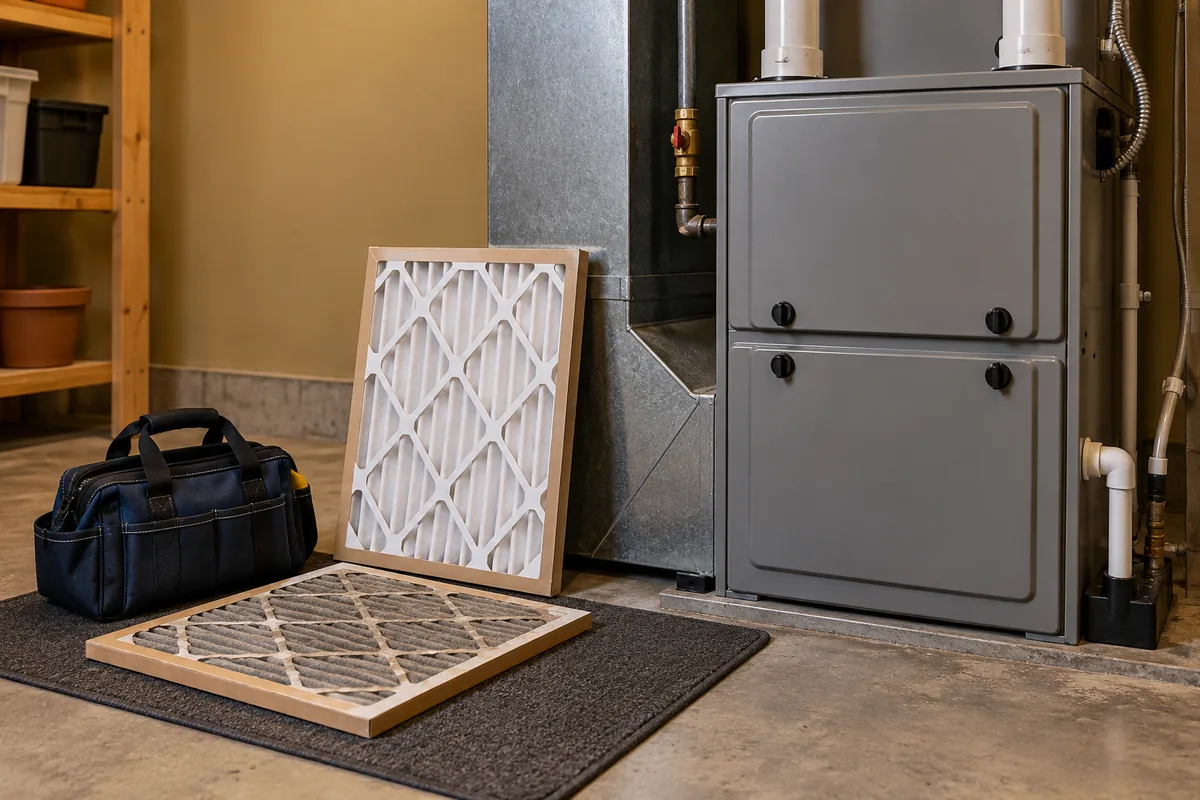
No. It addresses the filter, while coils, airflow and other components may still need review. Use the filter size and type intended for the system, and do not run without it to work around weak airflow.
Request HVAC Maintenance in Aurora, OR
Contact HVAC & Appliance Repair Guys to request HVAC maintenance in Aurora and discuss care for the heating, cooling and fan functions you use.
For HVAC maintenance in Aurora, OR, call HVAC & Appliance Repair Guys or submit a service request through the form on this page.